Windows VPNs Gain App-Specific Controls
ProtonVPN and NordVPN have enabled users to exclude specific applications from encrypted traffic, allowing for faster connections on select apps.
By Jisoo Vega ·
ProtonVPN and NordVPN have added app-level split tunneling to their Windows clients, allowing users to exclude specific applications from VPN protection. The feature, known as split tunneling, lets users decide which apps travel through the encrypted bridge and which connect to the internet directly. This change addresses speed trade-offs associated with standard VPN usage, where encryption can slow down data transmission.
Online gamers and local service users are primary beneficiaries of this update. Gamers can keep their games outside the VPN to minimize latency, while users checking local movie showtimes can bypass encryption to ensure ticketing apps detect their actual location. The feature also resolves connectivity issues with home network devices, such as smart home gadgets and printers, which often struggle to communicate through a VPN tunnel.
Split tunneling operates by sending selected traffic around the encrypted bridge, eliminating the need to constantly toggle the VPN on and off. The most common consumer version is app-based, where users designate specific programs for protection. For example, a user might keep a banking app inside the VPN for security while allowing a weather app to run outside, ensuring forecasts reflect the user's real location rather than a spoofed one.
Other forms of split tunneling exist but are less common in consumer software. URL-based tunneling sets rules by domain name, allowing users to keep search pages protected while bypassing local news sites. Route-based and policy-based tunneling, which rely on IP addresses and broader rule sets, are primarily used for managing multiple users or enterprise environments.
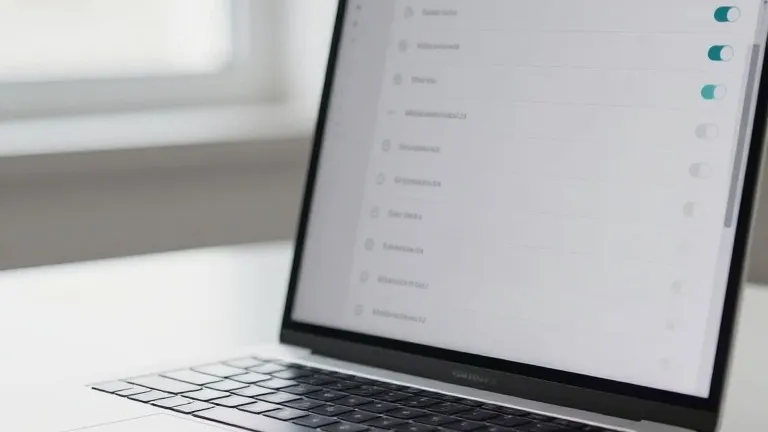
In ProtonVPN for Windows, a split tunneling link appears on the right side of the main console, next to options for kill switches and port forwarding. Once enabled, users can choose to include specific apps in the tunnel or exclude them. In NordVPN, users click the cog icon in the bottom left corner, select Split tunneling, and flip the toggle. They can then select which apps receive VPN protection.
Mobile devices offer similar controls through app settings, though with limitations. iPhones typically restrict users to excluding websites and IP addresses rather than entire applications, unlike Android devices and desktop platforms. For most users, the initial setup is a one-time task, allowing them to maintain protection where it matters while keeping the VPN out of the way for routine browsing.
Source: Wired